
Setting up your bench…
Setting up your bench…
Sheet 1 of 1 · The Drafting Bench
SCALE 1:12 · UNITS IN
Tell the bench what you want to make — a garage shelf, a workbench, a roadside snack stand for the raccoons. About a minute later you've got a cut list, a real sheet count with the saw kerf already taken out, connectors you can print tonight, and a 3D preview. If the plan won't stand up, it tells you before you buy the plywood.
10
templates the engine will stand behind
1/16″
saw kerf modeled on every cut
< 60s
from a sentence to a cut list
01 · Describe or photograph
Say what you want to make, the way you'd say it to a friend. No CAD, no jargon, no account.
02 · The engine drafts and checks
Span, load, tip-over, wood movement, sheet yield. If something's going to fail, you find out here — not in the garage.
03 · Take it to the bench
Cut list, sheet layout, a shopping list in store language, connectors sized to your dimensions.
Real Models
Every model below was generated and rendered straight from the engine — real geometry, real cut lists. Each one started as the plain-English prompt on its card, and only designs that passed the engineering checks earned a spot here.
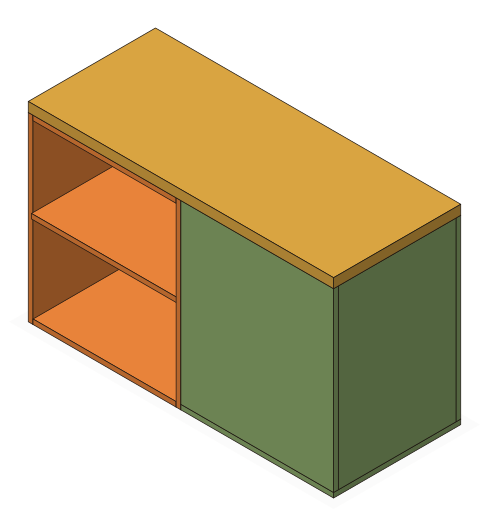
“A roadside snack stand for the raccoons — open display niches beside a closed storage cabinet, both under one serving counter.”
48″W × 20″D × 30″H
12 parts · 2 modules + spanning counter — composed, ¾″ plywood
CheckedComposed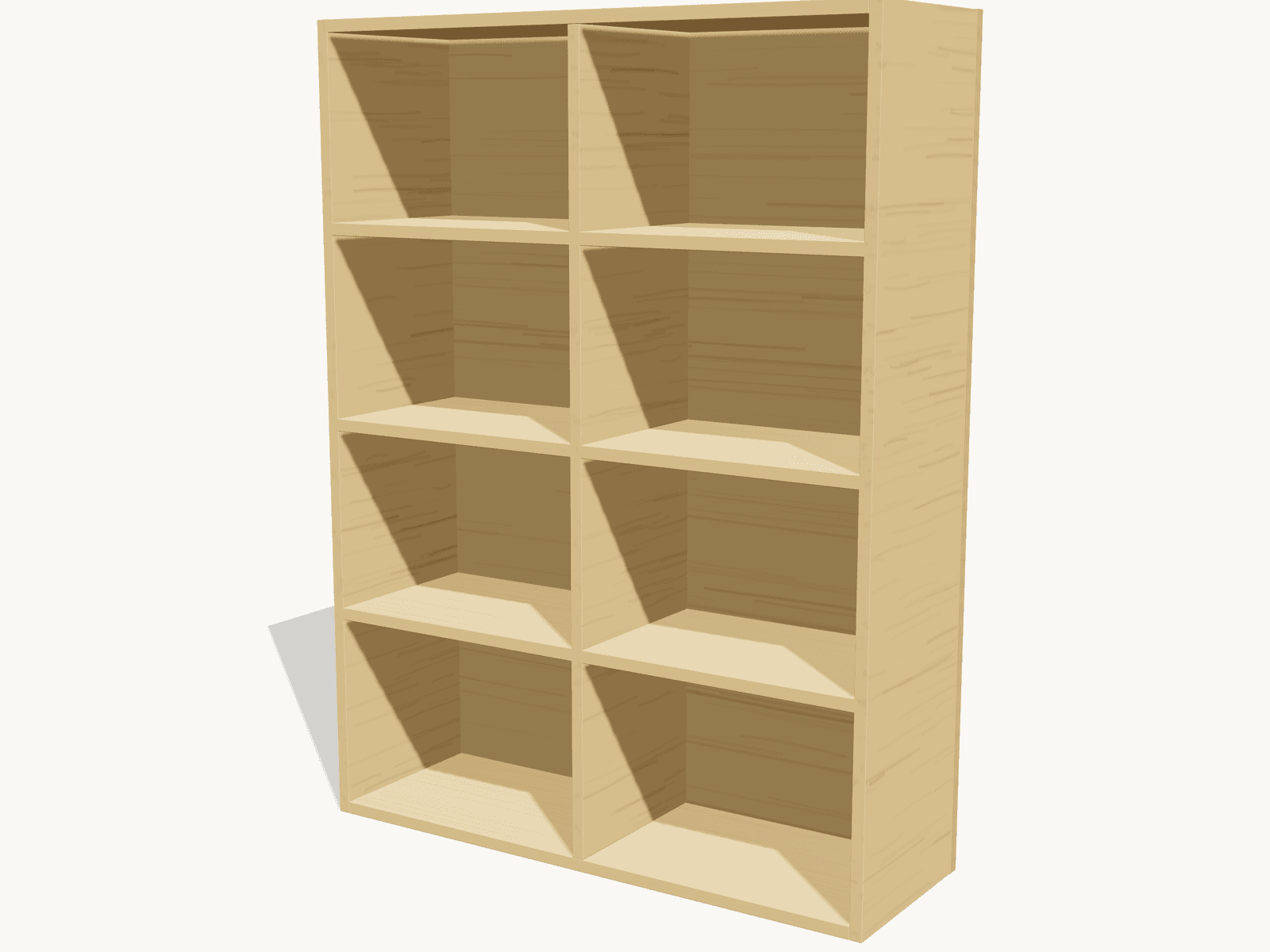
“A sturdy bookshelf for my garage, about 4 feet tall and 3 feet wide, pine plywood”
36″W × 12″D × 48″H
12 parts · ¾″ plywood, dadoed shelves + center stile
Checked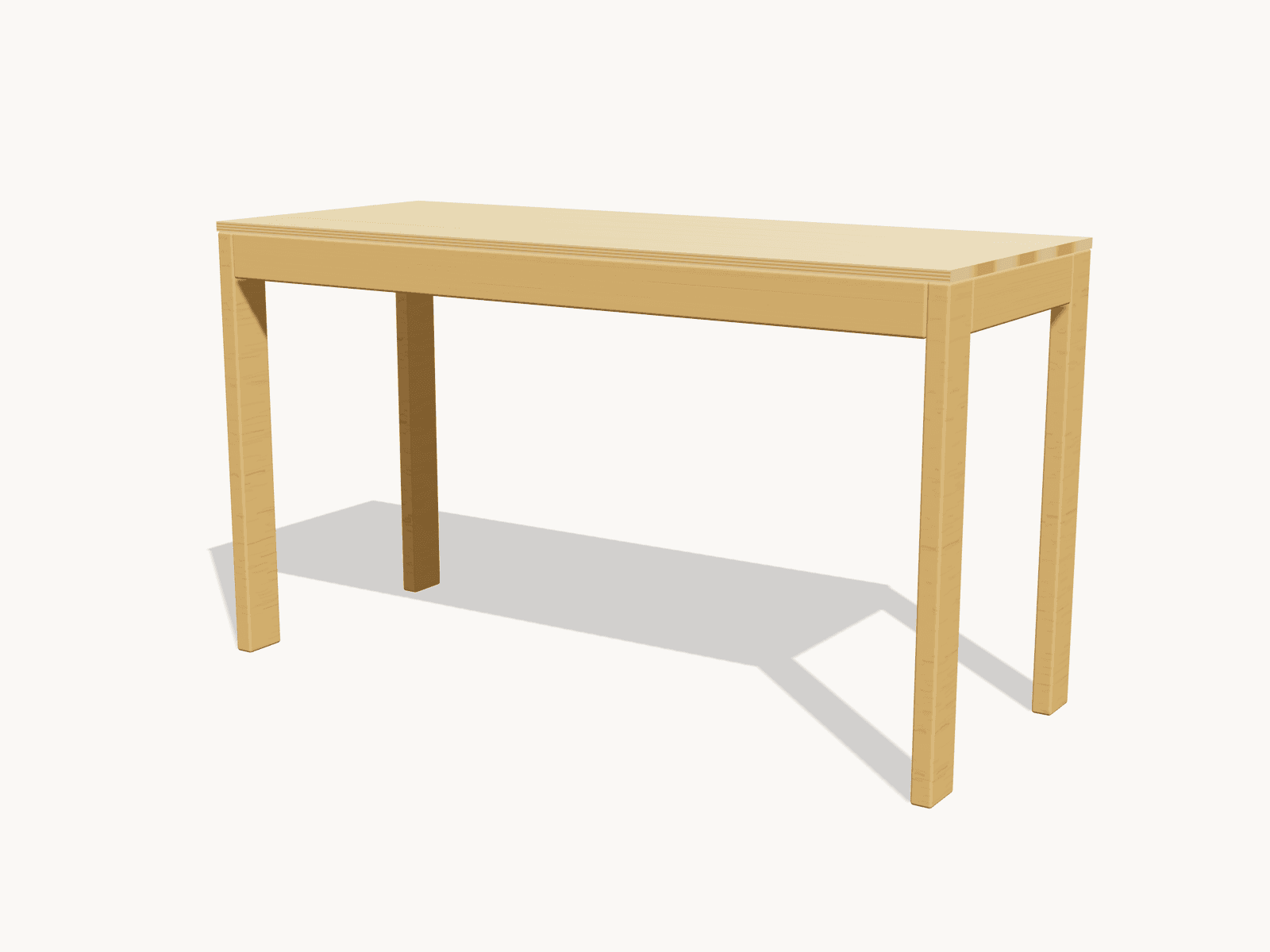
“Workbench for my garage, 2x4 construction, about 5 feet wide”
60″W × 24″D × 34″H
9 parts · 2×4 frame + plywood top
Advisory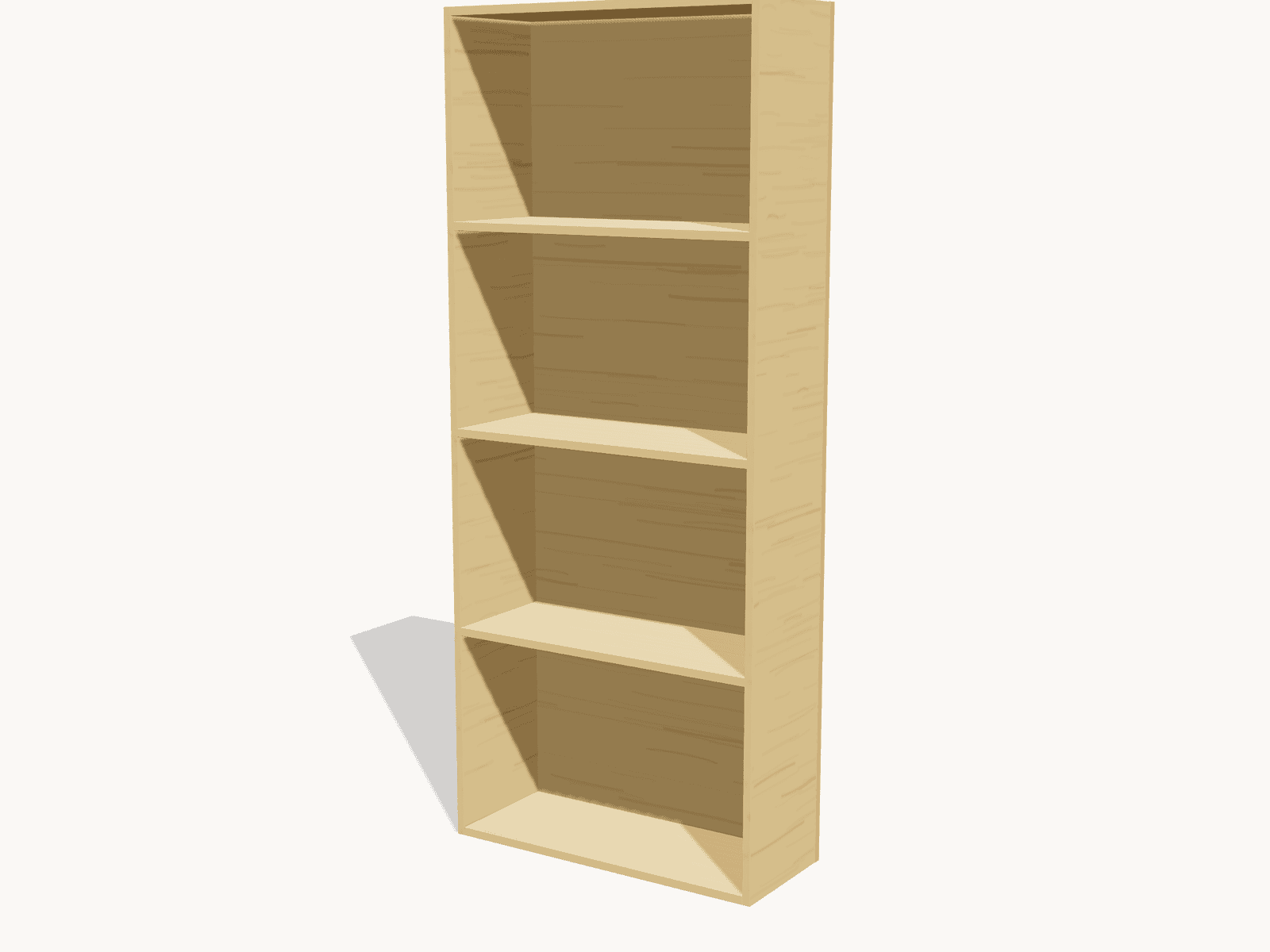
“A simple bookshelf, 5 shelves, pine plywood, about 6 feet tall”
30″W × 12″D × 72″H
8 parts · ¾″ plywood, dado joints
Advisory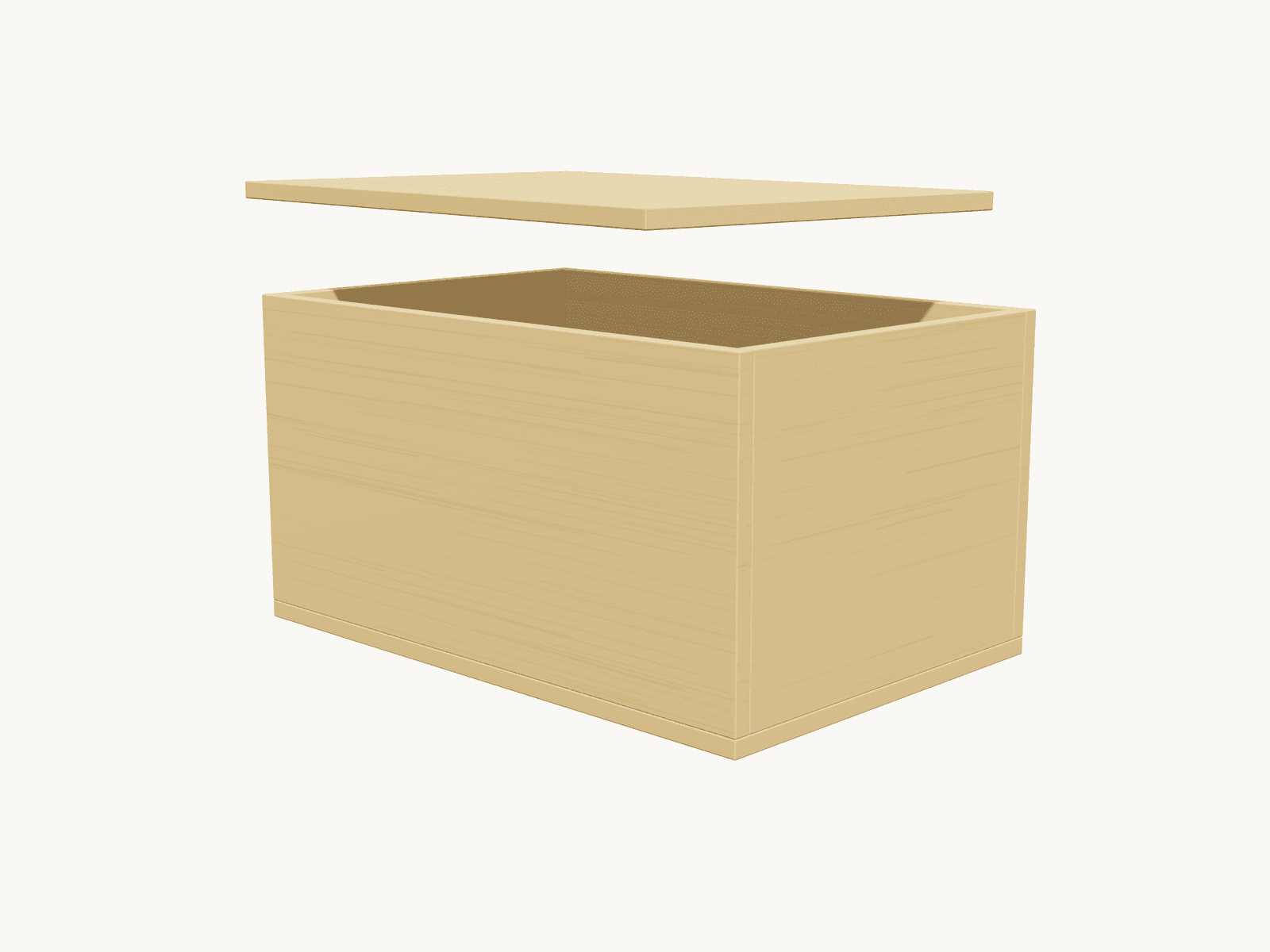
“A plywood storage box with a lift-off lid, about 18 inches wide”
18″W × 12″D × 10″H
6 parts · ½″ plywood, lift-off lid
CheckedMaterials
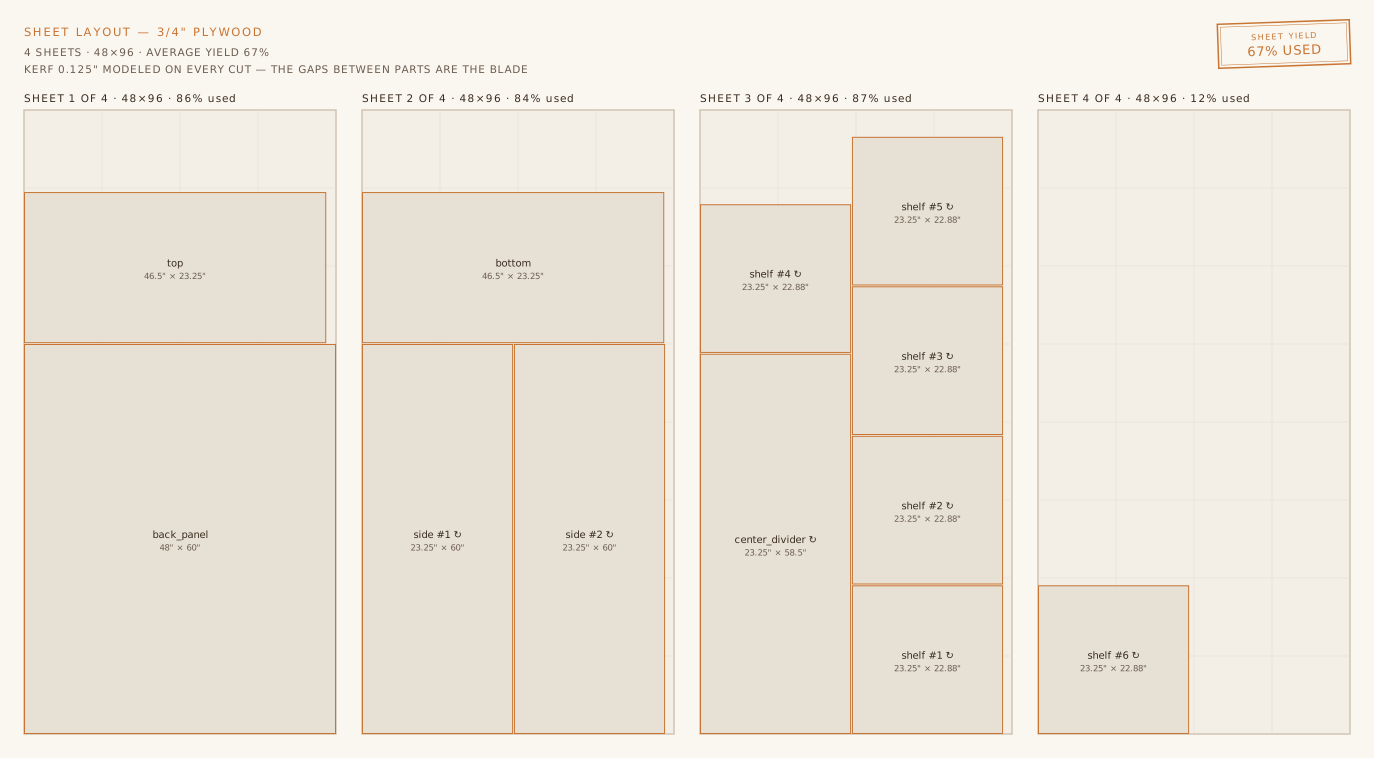
Every cut takes about a sixteenth of an inch of wood with it. Do that math wrong across forty parts and the plan that said three sheets sends you back to the store mid-build. This engine lays your parts out on real 4×8 sheets, models the kerf on every cut — including the ones against the sheet edge — and tells you the count you'll actually buy. Here's the layout for the garage bookshelf, straight from the engine: four sheets, and the fourth is one lonely shelf using 11.5% of it. That's the sheet the three-sheet plan forgot.
Declines and Unrated badges
Most AI design tools will draw you anything you ask for. That's the problem — a plan that looks finished but won't hold a load costs you a Saturday and eighty dollars of plywood. When your ask lands outside what this engine can genuinely stand behind, it says so plainly, offers the nearest thing it can build, and doesn't burn a generation guessing. And when a design's engineering check is stale or was never run, the badge reads Unrated — not a green checkmark it hasn't earned.
The bench counts the parts before it drafts. Past the ceiling it can answer right there: it splits the build into modules it trusts, or offers the nearest one that fits. You hear it before the wait, not after.
Out of domain · verbatim
That one's not really a woodwork build
The heart of what you described isn't something I can cut from lumber and stand behind. But there's usually a wooden piece hiding inside the idea — pick a path and we'll go after it.
Part-count pre-flight · verbatim
That's more parts than I've gotten to hold together
A build this size needs every joint and span to hold at once, and past a certain part count mine stop all holding. Nothing that big gets through my checks. I'd rather point you at the version I can stand behind than spend a minute drafting one I can't.
Toolkit
Some things are advice. Tip-over isn't — that one blocks.
Describe what you want the way you'd explain it to a friend — dimensions, style, materials, constraints, all from plain English.
Every part laid out across standard sheets with the saw kerf modeled, so the cut order and the waste are both real.
Quantities, dimensions, and costs in store language — walk in with a plan, not a guess.
Parametric STL brackets, pins, and cam locks sized to your exact dimensions — print them tonight.
Rotate, zoom, and inspect every joint and panel before you cut a single board.
Say “make it taller” or “add a drawer” and the design updates while preserving what already works.
Also exports: OpenSCAD parametric files · exploded views · step-by-step assembly renders
The connector files are parametric. The engine sizes them to the dimensions in your own plan, so you print the bracket your part needs. The library holds the seven types listed here. You need a 3D printer and a screwdriver — no specialty tools, and no off-the-shelf bracket that almost fits.
Corner Brackets
90° panel-to-panel joins
Shelf Pins
Adjustable shelf positioning
Knockdown Cams
Disassemble & reassemble
Panel Joiners
Edge-to-edge connections
Leg Brackets
Table & desk legs
T-Brackets
Perpendicular joins
Modular Grid
Stackable cube systems
Gallery
Real prompts, real blueprints — describe what you want to make
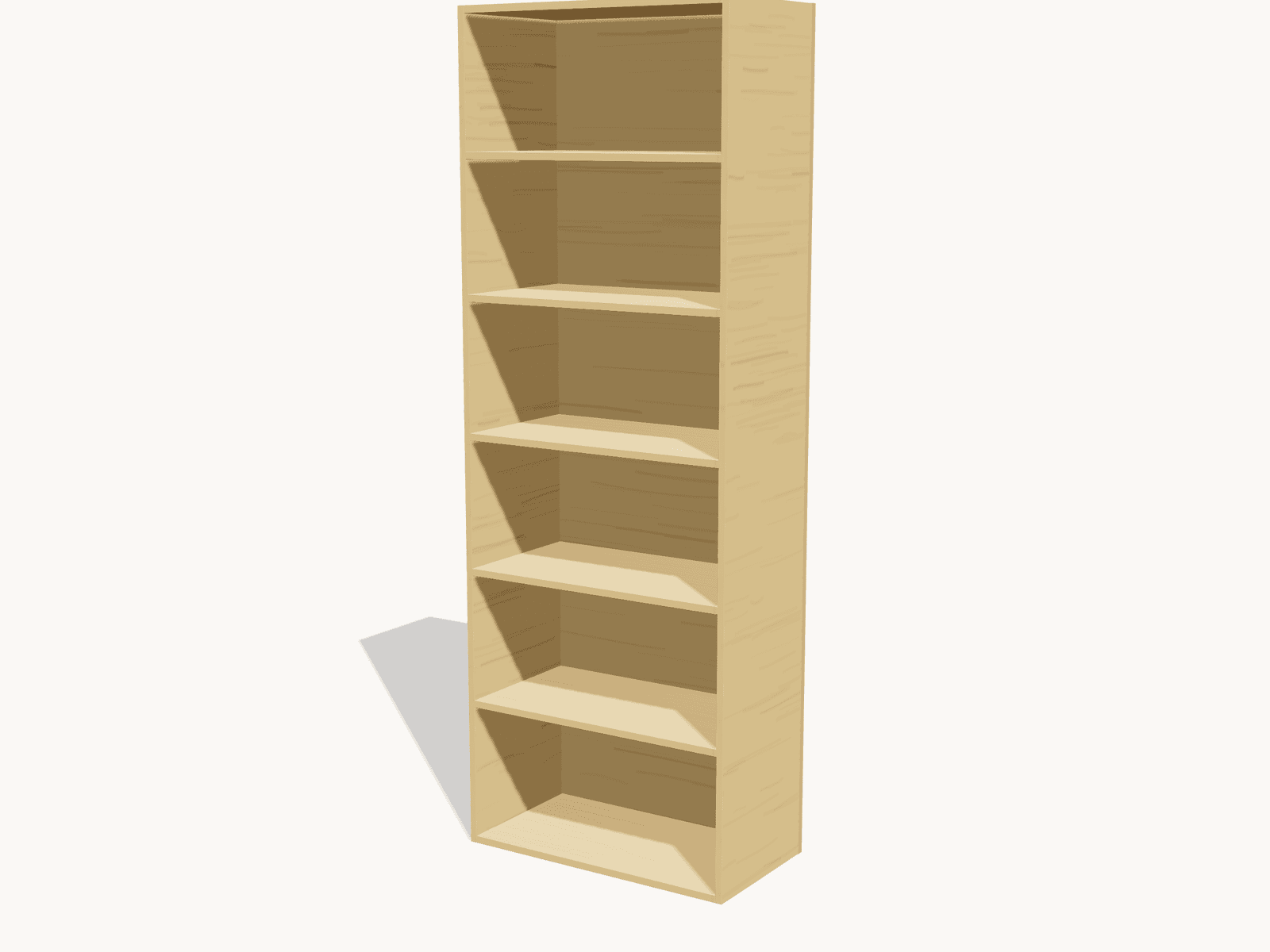
Bookshelf
72"H × 30"W × 12"D · ¾″ pine plywood
“A simple bookshelf, 5 shelves, pine plywood, about 6 feet tall”
Pantry Shelving
84"H × 30"W × 16"D · ¾″ plywood
“Tall pantry shelving unit, 7 feet tall, 30 inches wide, plywood”
Workbench
34"H × 60"W × 24"D · 2×4 frame + plywood top
“Workbench for my garage, 2x4 construction, about 5 feet wide”
Record Shelf
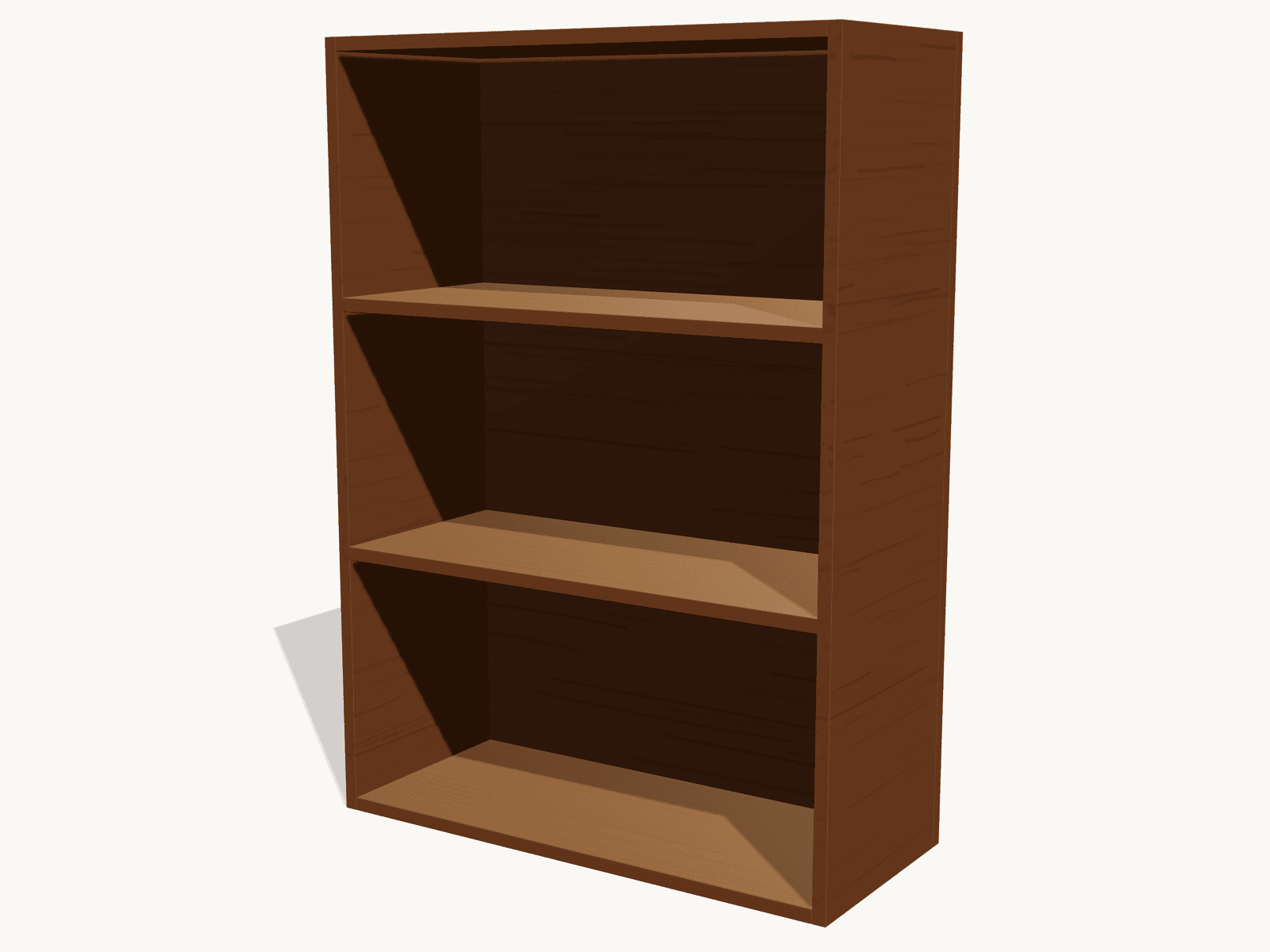
42"H × 30"W × 13"D · ¾″ walnut hardwood
“A record shelf for vinyl, 30 inches wide with 2 shelves, walnut”
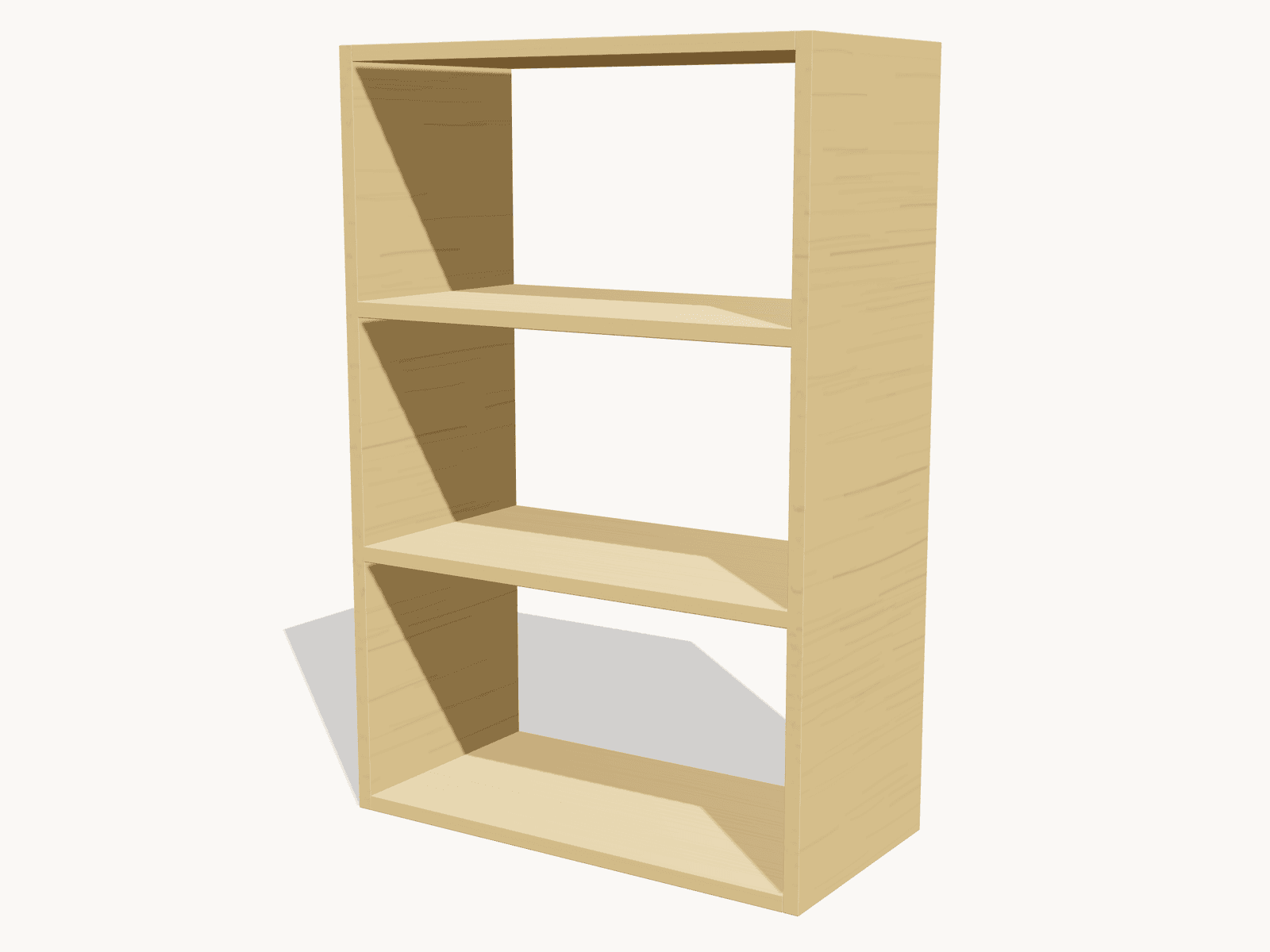
Entry Cubby
36"H × 24"W × 12"D · ¾″ plywood
“Open storage cubby for shoes by the door, 3 shelves, 24 inches wide”
Storage Box
10"H × 18"W × 12"D · ½″ plywood, lift-off lid
“A plywood storage box with a lift-off lid, about 18 inches wide”
Principles
The maker is the center of the workshop — not the software
We read plain English, not CAD concepts. Describe the piece in your own words. The engine drafts it, or it tells you why it cannot.
Some findings are advice, and you decide. Tip-over is not advice. The engine blocks that one and tells you why.
You see the reasoning and the confidence, not just a verdict. On a safety call you get a verdict.
A plan comes out as a cut list, a sheet layout, a shopping list, the connector files, and a 3D preview. The shopping list uses store language, so you can buy from it.